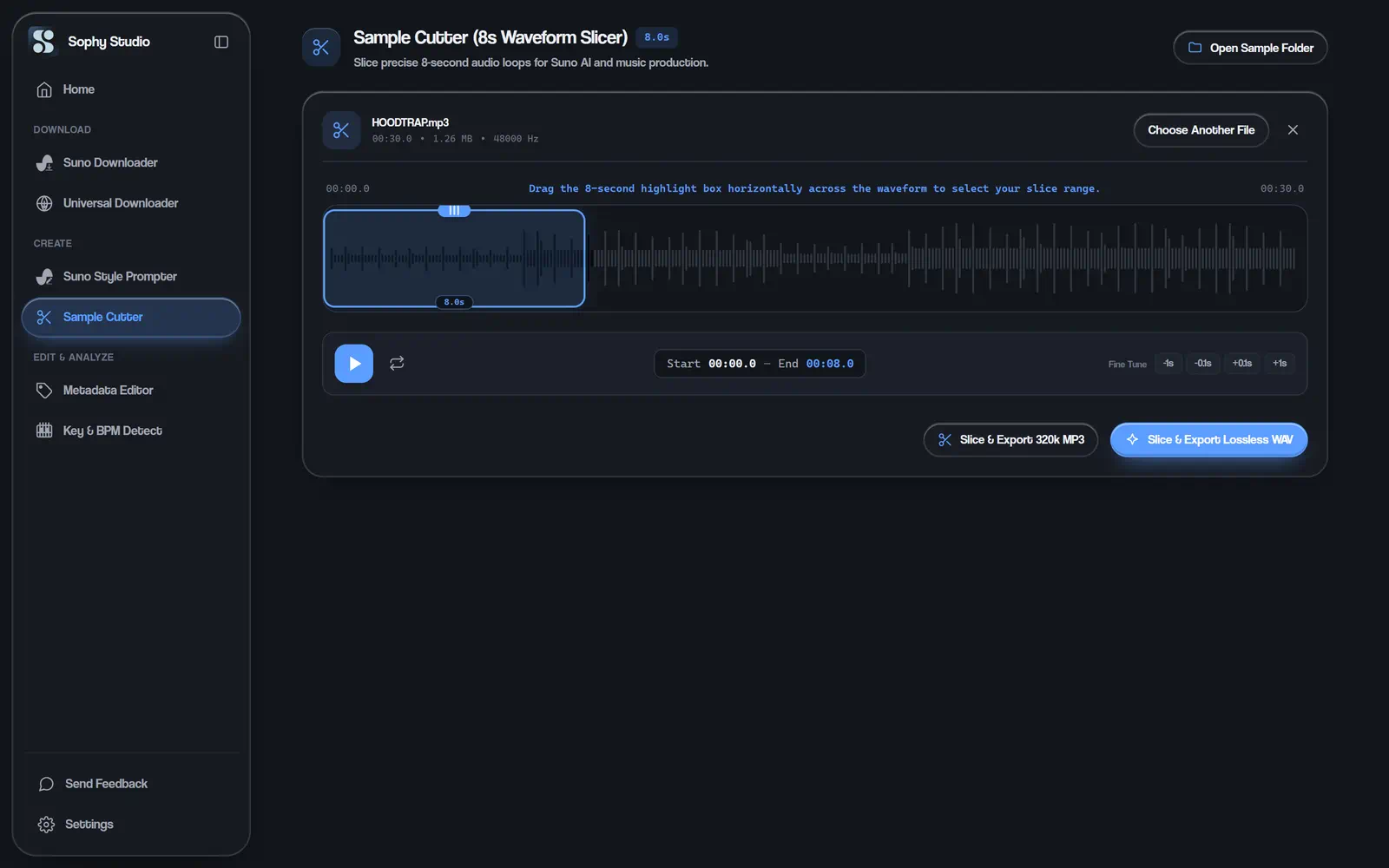
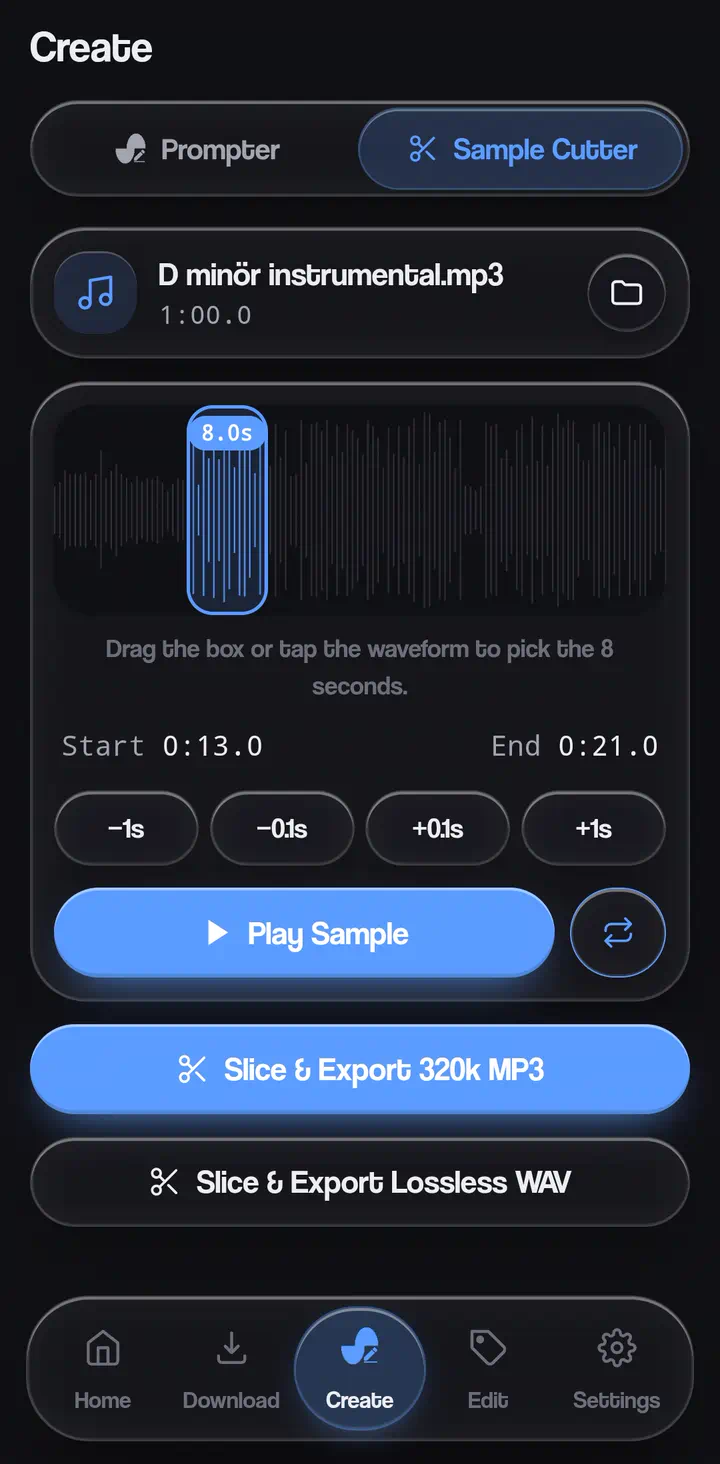
Waveform editing
See the whole song, drag the window and hear the cut before saving.
Suno's audio upload works best with short, clean samples. Open any song, drag across the waveform and export exactly eight seconds.
See the whole song, drag the window and hear the cut before saving.
The window is locked to the length Suno's upload is made for.
Export in the format your DAW or Suno prefers.
Open an MP3 or WAV file.
Drag the eight-second window over the part you want.
Play it back, then export.
Free on Windows and Android. Download, open, done.